
Bilexi
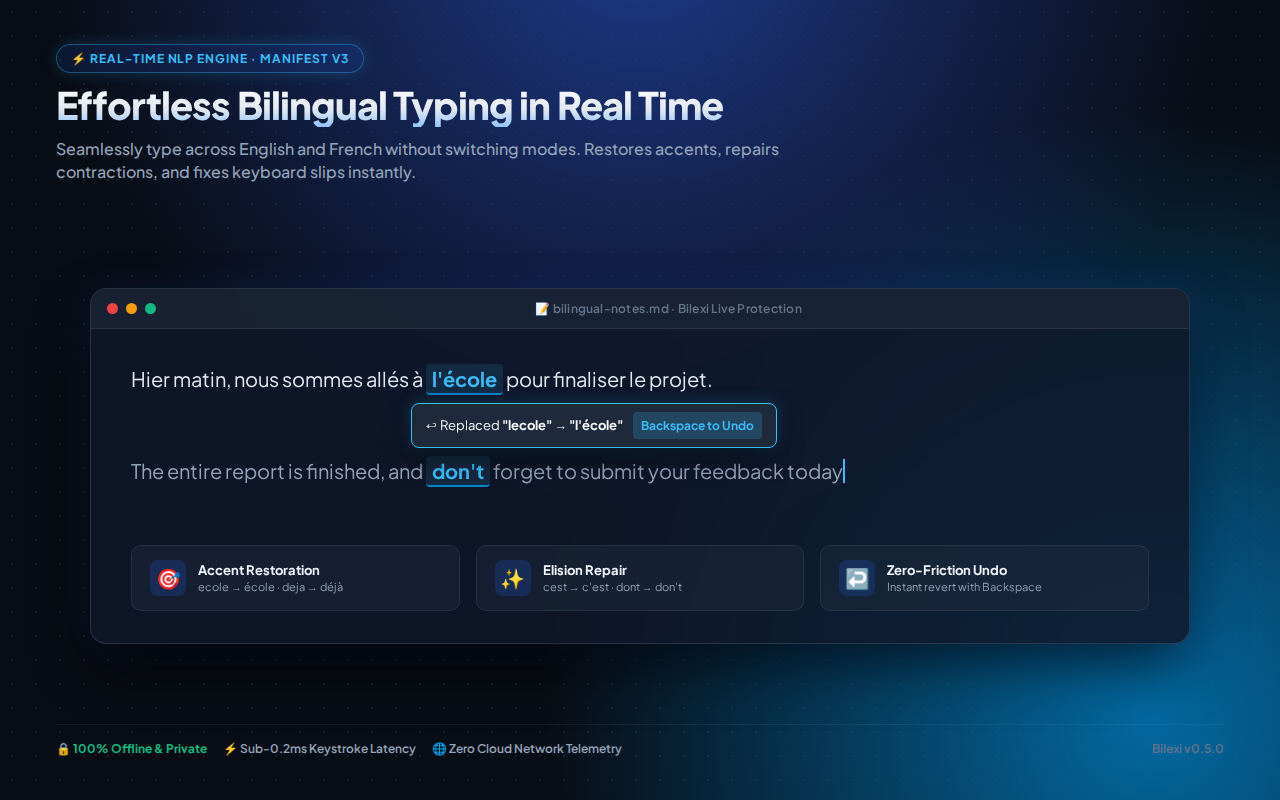
100% offline bilingual English/French autocorrect with instant accent restoration and elision repair.
Why Choose an Offline Bilingual Autocorrect?
Cloud-based grammar checkers and AI writing assistants transmit every sentence, email draft, password entry, and search query to remote server clusters for processing.
Bilexi processes text entirely offline on your device using compact binary trie dictionaries. Keystrokes never leave your machine, ensuring 100% privacy for confidential communications.
Key Capabilities
Accent Restoration
Automatically restores missing French accents in real time (e.g., ecole → école, deja → déjà).
Elision Repair
Corrects French apostrophe elisions (e.g., j ai → j'ai, l arbre → l'arbre) effortlessly.
Interactive Suggestion Strip
Quickly cycle through autocorrect recommendations with keyboard shortcuts (Alt+2 / Alt+3).
100% Offline Architecture
Zero network socket permissions. Everything runs air-gapped in browser memory.
Frequently Asked Questions
Never. Bilexi operates with 0 network permissions. All dictionary lookups and accent replacements occur locally on your machine.
Yes! Bilexi seamlessly handles mixed bilingual writing without requiring you to switch language modes.
Bilexi is officially published on Microsoft Edge Add-ons and is available to install with one click.
Ready to use Bilexi?
Install directly from the official Microsoft Edge Add-ons catalog in 1 click.
Get on Microsoft Edge →