
BulkGrab
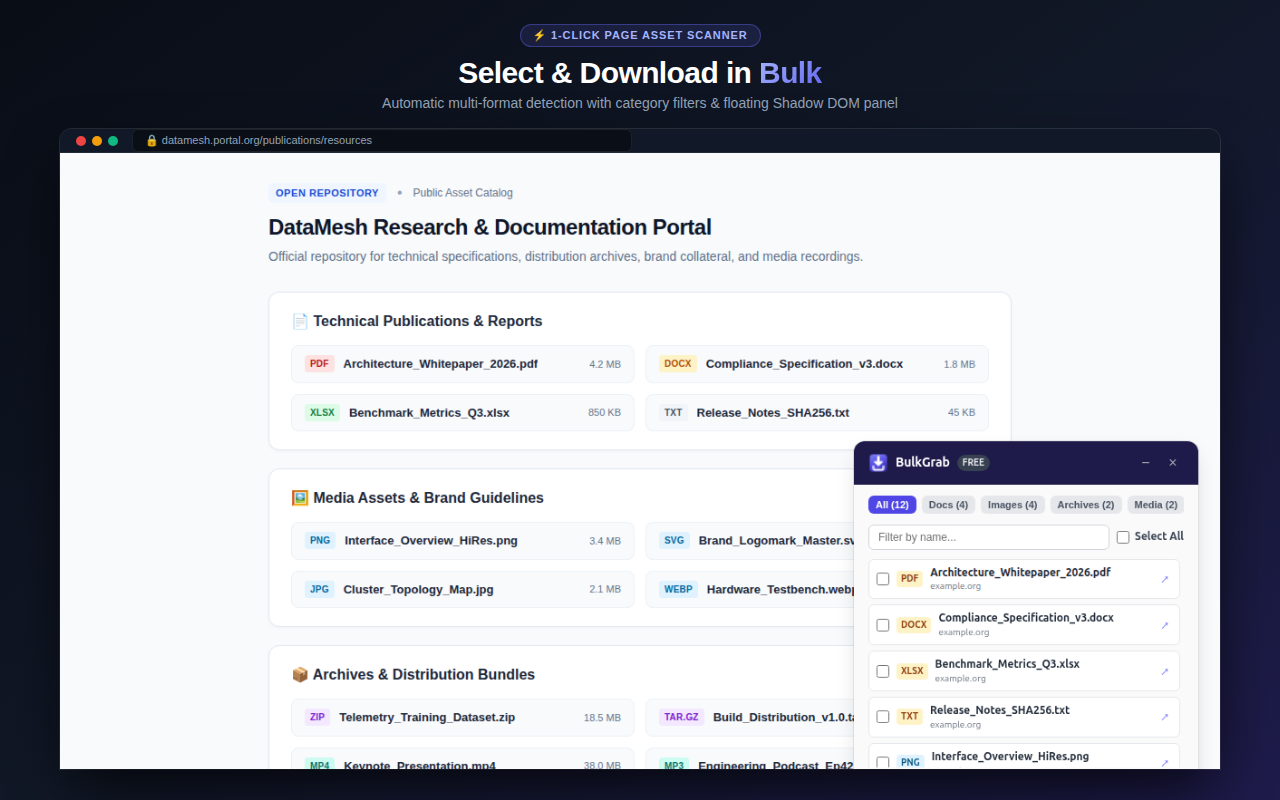
Deep-scan webpages for downloadable files, filter by extension, and bundle them into a local ZIP archive.
Why Use a Privacy-First Batch Downloader?
Most bulk downloaders require excessive browser permissions, inject adware into pages, or route your file links through third-party tracking redirectors.
BulkGrab streams downloads directly from the source host website into your browser storage and packages ZIP archives locally on-device using JSZip. No download URLs, filenames, or content metadata are ever logged.
Key Capabilities
Smart Extension Filtering
Filter links by images (PNG, JPG, WEBP, SVG), documents (PDF, DOCX, XLSX), media (MP4, MP3), or custom regex.
On-Device ZIP Packaging
Bundle hundreds of discovered links into a single compressed ZIP archive locally in memory.
Batch Renaming & Sequence
Organize downloaded files with custom naming rules, timestamps, and sequential numbering.
Zero Link Tracking
Direct browser streaming ensures your download history remains strictly confidential.
Frequently Asked Questions
Yes, BulkGrab identifies all inline image tags, picture elements, and background CSS URLs for batch downloading.
No. File requests are initiated directly by your browser client to the destination server. Nothing passes through any proxy.
Yes, BulkGrab is verified and published on both Microsoft Edge Add-ons and the Chrome Web Store.
Ready to use BulkGrab?
Install directly from the official Microsoft Edge Add-ons catalog in 1 click.
Get on Microsoft Edge →